PSA Headquarters
Occasionally, CopyrightBro will publish something that we think is particularly critical for people to be aware of. The PSA Headquarters is where you can find a the full list of those Public Service Announcements in one convenient place.
Given CopyrightBro’s founder’s history of employment with Apple, Inc., we are especially well equipped to serve and inform Apple product owners of the best practices to get the most out of their devices while protecting their privacy. This PSA, like many of our PSAs, is intended for people who use Apple products, and the advice contained herein is not applicable to Android devices or non-Apple PCs. If you have an iPhone or iPad, continue on:
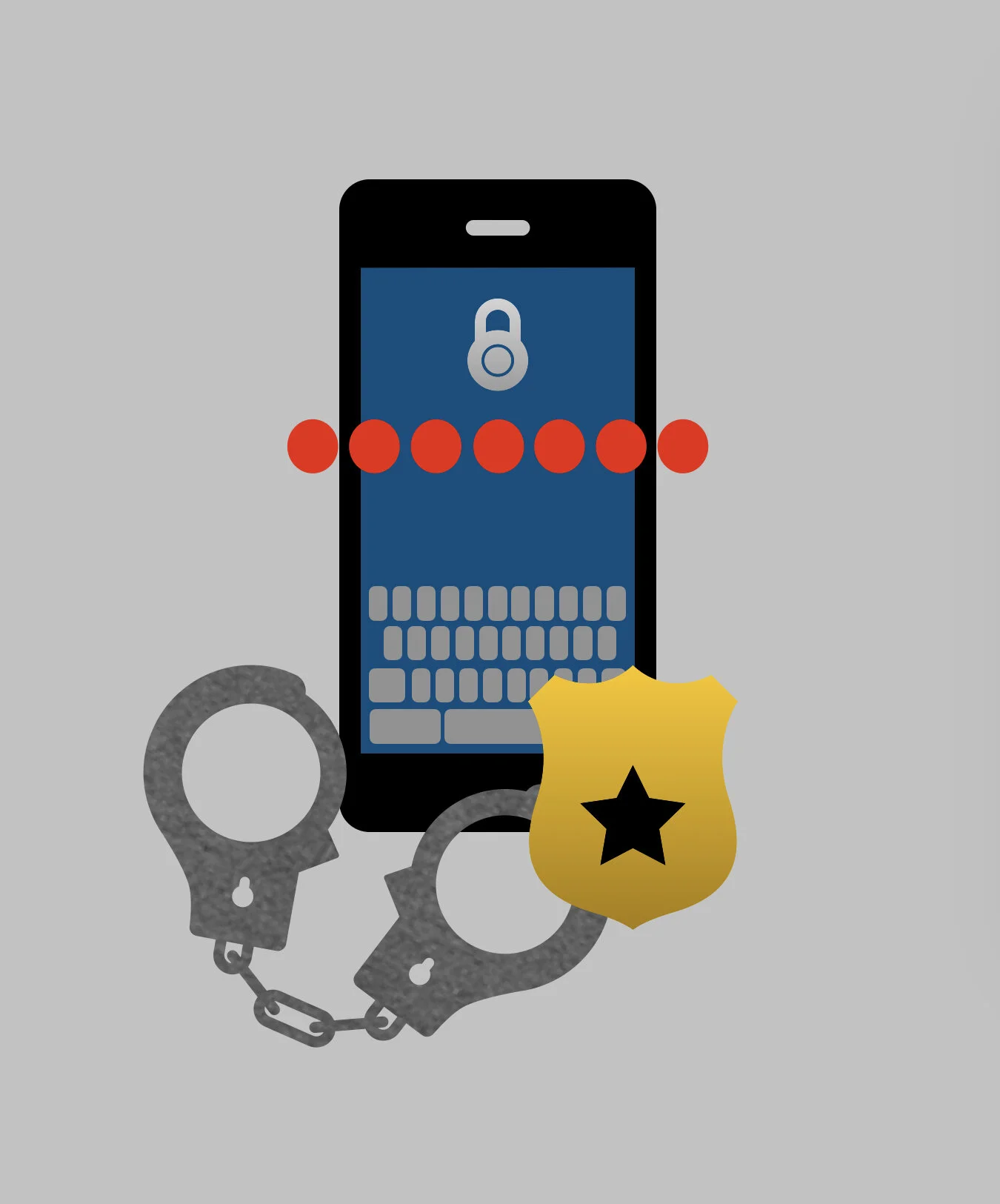
That’s a bold, scary headline, we get it. Here’s what you need to know: there is an intentional design flaw present in Apple’s iCloud Backup system that can allow the government to spy on you and that can provide them with complete access to the full contents of your device. But it is fixable, and we’ll tell you how.
The first question, naturally, is “why is it an intentional flaw?” This is a good question, and the answer is that Apple doesn’t see it as a flaw. iCloud Backups exist to help everyday consumers who either aren’t concerned about privacy or aren’t very tech savvy by giving them a backup plan in case something happens to their device, so that they can just log into iCloud from a new device and recover all their data without missing a beat. It’s intended to be very easy for customers: they happen automatically, they’re turned on by default, and there’s really nothing you need to do, and if you forget your password, Apple can still help you access your data because they keep a spare key. However, this ease of use comes at a price: privacy. Because Apple does keep that key to help you recover your data if you lose your password, the data can never be totally safe. The keys Apple keeps are subject to government subpoenas, meaning the government could at any time force Apple to turn over your iCloud backups, which would provide them with a snapshot of everything on your device at the moment the backup was created.
While Apple wants to be able to help their customers in case they forget their passwords and sees the spare key as a feature, CopyrightBro sees it as a design flaw. We’ve been aware of this flaw for months now, but the reality was that it wasn’t really something that everyday people needed to worry about, so we didn’t warn our readers. However, following the terrorist attack at the U.S. Capitol, the facts on the ground have changed. In recent days, there have been a lot of conversations about domestic terrorism and how the government may adapt to face the challenge that white supremacists, Qanon, and other extremist groups pose to our nation, with a lot of speculation that authorities may seek to expand their power to surveil U.S. citizens to collect intelligence that could aid in the prevention of these types of attacks.
CopyrightBro stands firmly against any and all violent extremist groups, but we don’t believe the United States government needs any more tools to allow them to spy on law abiding U.S. citizens; with just a little bit of reform, we can remove some of the institutional racism that plagues our government agencies, allowing them to be much more effective at stopping far right extremism (or any other domestic terrorism threats) without invading everyone else's privacy.
In the past few months, government officials have argued that we should get rid of end-to-end encryption altogether, but that is simply not feasible and it would put countless vital government and civilian systems in jeopardy of being exploited. Our society depends on some information being able to stay truly private, and we should not budge when it comes to protecting our right to digital privacy.
Given those pushes and the renewed interest among the intelligence community to increase surveillance of American citizens to prevent domestic terrorism, CopyrightBro feels that now is the proper time to warn our readers about this design flaw in the iCloud Backup system. Until Apple implements an option for customers to protect their backups with end-to-end encryption, knowing the risks of holding the only key to their data, iCloud Backups are simply too vulnerable to government overreach to be trusted. However, there are still iCloud tools you can use to protect the vast majority of your data in a manner that (while still not 100% secure in some cases) is much less susceptible to government surveillance.
This is what CopyrightBro recommends:
Go to Settings → [Your Name] → iCloud
Scroll down and tap “iCloud Backup,” then switch the toggle OFF.
Go back to the previous screen, and under the section called “Apps Using iCloud,” make sure all of the toggles here are switched ON, including “Messages.” These toggles control which of your data use iCloud to sync between devices, and are therefore preserved in iCloud. If you leave any of these switches off and you don’t have a backup, the data in that app won’t be saved if something were to happen to your device.
Tap “Manage Storage" near the top of the page, and then scan the list for any leftover backups. If you find one, tap on it, and then tap delete. You’ll likely have a couple, do this for each of them.
It’s unfortunate, but until such time as Apple introduces a truly private iCloud backup option, disabling it and instead relying on the iCloud syncing toggles is the best balance between privacy and protecting your data.
Everyone with an iPhone has used FaceTime to make a video call, but few people know much about FaceTime’s little brother, FaceTime Audio. While it doesn’t sound like anything special, it actually has some pretty significant benefits that you should take advantage of every time you can.
FaceTime Audio is essentially an alternative to the traditional phone call. It’s voice only, (no video) so a lot of people assume it’s no different than calling someone using their phone number, but that’s not true at all. FaceTime Audio has a couple big perks over traditional phone calls.
One benefit is that FaceTime Audio calls are made over the internet, rather than using the standard, old school technology that cell phone carriers use when you make a traditional call. Because they use VoIP (Voice over Internet Protocol), if you have a strong internet connection (whether via wifi or your carrier’s LTE towers), your calls will likely sound clearer than if you’d make a traditional call. It also means that you don’t need a cell phone plan to make a FaceTime Audio call if you have wifi.
Another big benefit is that nobody can listen in on calls you make using FaceTime Audio. When you make a standard phone call, your carrier and the government has tools that allows them to eavesdrop on your call (thanks to the Patriot Act). Fortunately for us, Apple decided to protect FaceTime Audio using end-to-end encryption, which means that there’s no way for someone who isn’t directly included on the call to decrypt its contents. When we say no one, we mean no one — not your carrier, not the government, not Anonymous, not even Apple. It’s as secure as it gets.
To make a phone call using FaceTime Audio, you have a few options. You can initiate the call by just asking Siri to “make a FaceTime Audio call to [person you want to call]”, or you can start it via either the Contacts, Phone, or Messages apps by tapping and holding on the phone button by a person’s name to see a list of call options, and then choosing “FaceTime Audio”. And that’s it. Pretty simple.
Viola! Go forth, and insist that all your friends use FaceTime Audio so as to never have to talk to you on an unprotected, fuzzy sounding, old school phone call ever again.
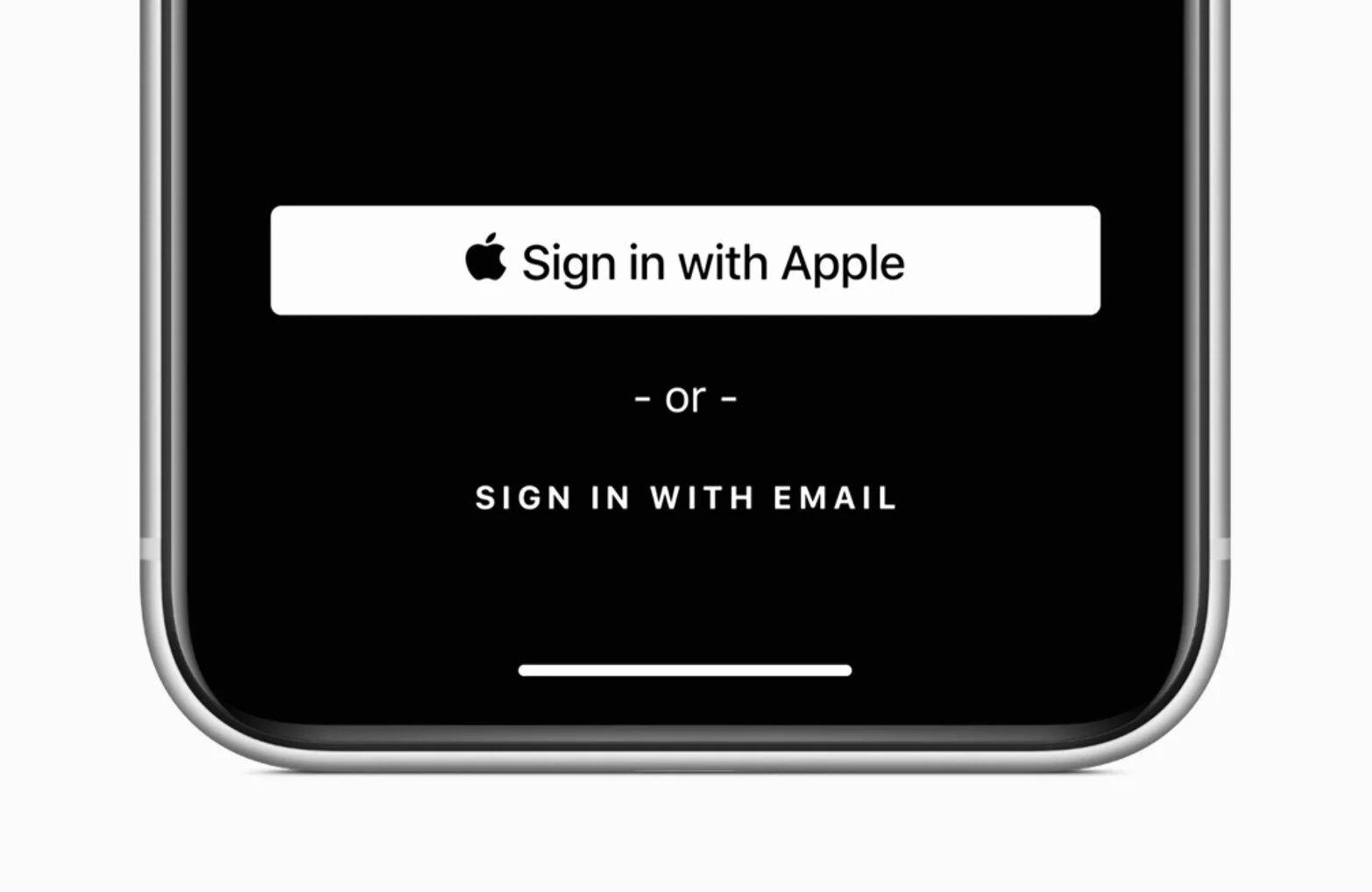
As of today, many apps that are submitted for approval to be distributed through Apple’s App Store are required to support a new feature called Sign In With Apple. This is great news for you!
If you’re not familiar, Sign In With Apple is an excellent, user focused feature designed to make it easier to sign in to apps while protecting your privacy. Put simply, it’s a button that will allow you to quickly sign up for/sign in to apps with just a few taps, without having to remember a password or fill out long forms. It gives the application a very limited amount of information about you, including only a name (which you can change if you like) and an email address (which you can opt to disguise in case might later want to be able to easily revoke the app’s ability to email you).
As mentioned above, starting today, all apps that support other third party log in buttons — like the Facebook and Google sign in buttons — are now required to support Sign In With Apple as well, guaranteeing that users have a more private and secure alternative that affords them the same level of convenience. As it stands, Facebook and Google’s buttons are harmful because they set up a link between the tech giants and the app or website you’re using them to sign in to, creating a tunnel for an unfettered flow of your personal information between those entities and the apps, which can be used for targeted advertising and other user hostile practices.
If you have an Apple product*, I would strongly encourage you to start using Sign In With Apple. Not only is it safer and more private than the other third party sign in buttons, but it’s faster too, because you authenticate with Touch ID or Face ID rather than having to type in your Facebook or Google password with their respective sign in buttons.
If you ever need to manage the apps that you let use Sign In With Apple, you can do so on an iPhone or iPad by going to Settings → (Your Name) → Password & Security. You can also do this on a Mac under System Preferences → Apple ID → Password & Security, or on the Apple ID website.
*Note: if you haven’t already, you must first enable two-factor authentication to use Sign In With Apple. To do so on a iPhone or iPad, go to Settings → (Your Name) → Password & Security.